
Languages
One site in as many languages as the project needs.
What it does
The site is served in every language the project declares; this demo has English, Spanish and Catalan. A page is a single document with a title, a slug and content per language, so /features, /es/funciones and /ca/funcionalitats are the same page. The default language has no prefix in its URLs; a project can prefix every language instead. Search engines get hreflang links between the translations.
See it in the demo
Use the language switcher in the header: the menus follow it, and a menu item for a page that has no translation in the current language is left out. The child page Missing translation is not available in Catalan, to show what happens. The admin is also available in English, Spanish and Catalan, and each user picks their own.
The site’s fixed texts (the skip link, menu labels, form messages…) can be changed without a deploy in Settings → Site texts: every site language side by side, each field showing the default as its placeholder. An empty field means the default. The order is: the editor’s text, then the project’s own translations file, then the catalogue in the code.
For developers
The languages and the default one are code, in project/locales.ts, because they shape the database; LOCALE_PREFIX_MODE is an environment variable. The site’s fixed texts (buttons, labels) come from a translation catalogue a project can extend. See the README sections "The public site’s fixed strings" and "Admin languages".
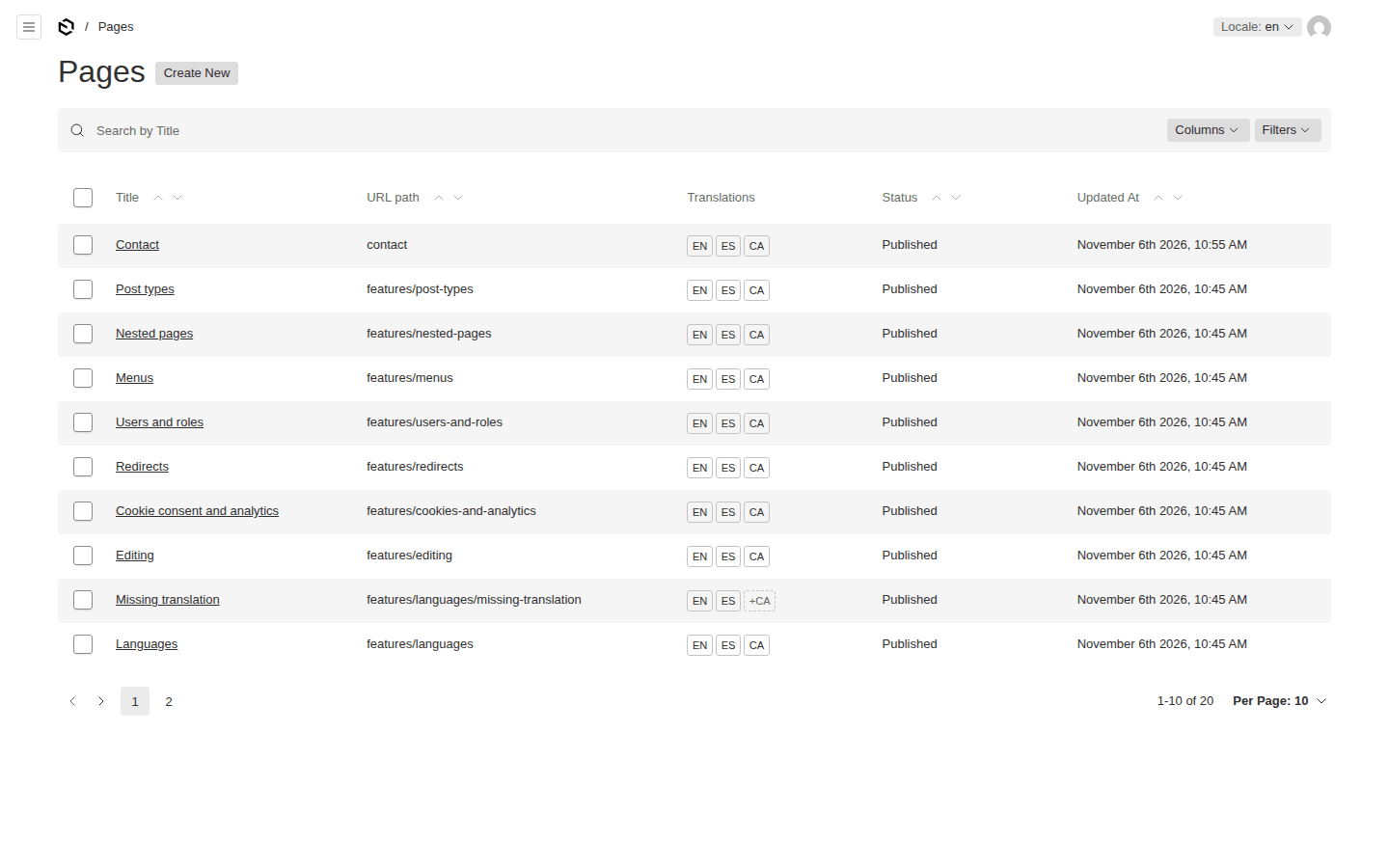
Translations at a glance
The Pages list has a link per language. A dashed one, like +CA here, is a translation still missing.
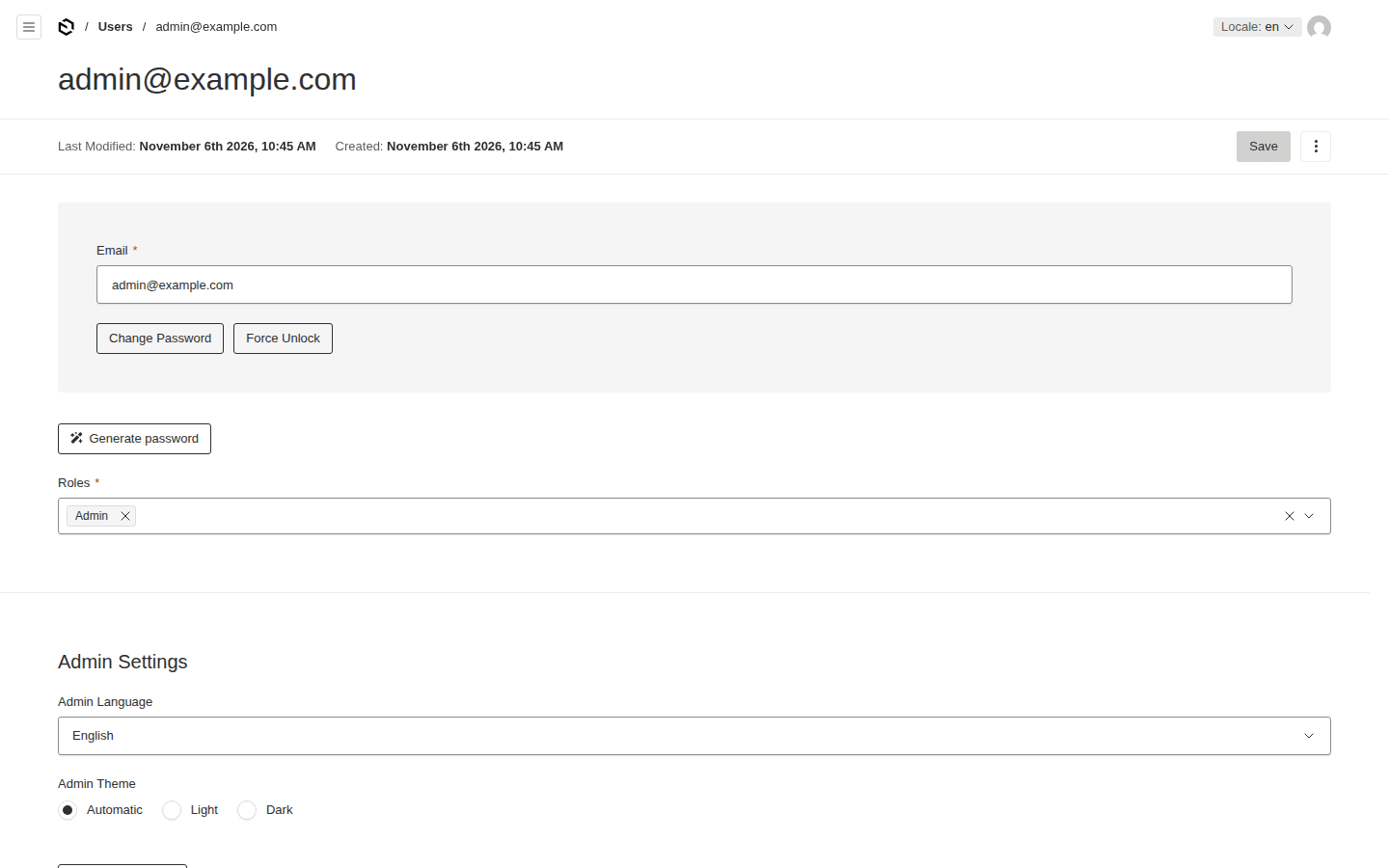
The admin’s language
Each user picks the admin’s language and theme in their account, apart from the languages of the content.
One block, every feature page
This strip is a reusable block: written once and placed at the end of every feature page. Edit it under Reusable blocks and all of them change.