
APEX template
Omitsis’ Payload starting point for client sites.

A site, ready to be made yours
template-site is a complete website built with Payload CMS and Next.js: pages made of blocks, several languages, caching, SEO, forms, menus, themes and more, already working.
Each client project starts from it, and this demo describes it from the inside: every page below explains one feature, and where possible shows it at work.
The features
Pick a card to read what a feature does for editors and visitors, where to see it in this demo, and where developers configure it.
Video
YouTube, Vimeo and PeerTube, loaded only when wanted.
Collection generator
A new content type with its pages, written by one command instead of by hand.
Block generator
A new block for editors, with its fields, its look and its place in "Add block", written by one command.
Responsive images
Every image in several widths, in WebP: phones download small files, without any JavaScript.
Images in text
An image in a text, small, medium or full width, to the left or the right with the text around it, or centred.
AI assistants
ChatGPT or Claude read and edit the site for you, with a key you create and never beyond what you may do.
Latest news

Pages are cached, and refreshed only when they change
Public pages are served from a cache that refreshes just the URLs a change affects.
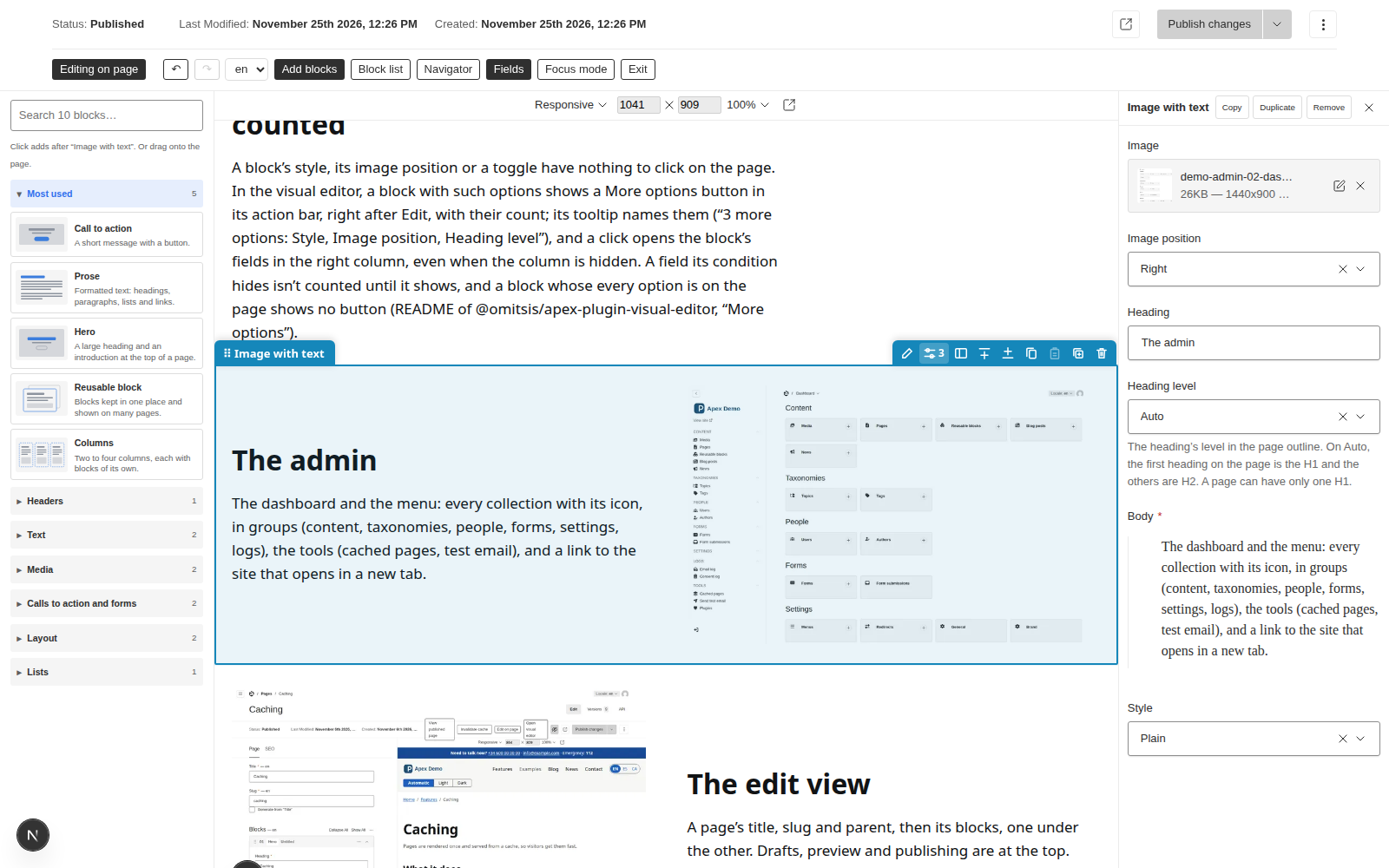
The visual editor shows a block’s options that aren’t on the page
A block’s action bar now says how many of its options have nothing to click on the page, names them, and opens them in one click.

A FAQ block: questions that open, with no JavaScript
A new block lists questions that open to show their answers. Each answer is a list of blocks, and the browser does the opening.
Want to try it?
The Contact page has a working form.