
Users and roles
Five roles that can be combined decide who can write, publish and administer.
What it does
A person can hold one or more roles, and what they may do is everything their roles allow together. There are five. Editors create and edit content, and their changes stay drafts. Publishers publish and delete content and manage topics and tags. Site managers manage redirects, menus, forms, authors and the settings, and can read form submissions. User managers create, edit and delete users and set their roles; only they and admins see the list of users, and everyone else sees only their own account. Admins can do everything, including the email log, the consent log and the plugins page. Editors, publishers and site managers can use the cache tools. Only an admin can give or take away the admin role or change an admin’s account, and the last admin can’t lose the role or be deleted. A project can add its own roles, with their grants, in its project configuration.
Signing in is guarded too. After 5 wrong passwords in a row an account is locked for 10 minutes, and a network that fails 20 sign-ins in 15 minutes, against any accounts, is refused for the rest of that time without its passwords being checked. On an https site the session cookie is Secure, and every failed sign-in, lockout and refusal leaves a line in the server log, with the email’s domain but never the full address.
See it in the demo
Sign in with accounts of different roles and compare: an editor’s attempt to publish is refused, a publisher can’t open the settings, and a site manager can’t edit a page. Give one person editor, publisher and site manager together and they can do what all three can. The admin doesn’t hide what a role can’t use: at the end of the menu, under No access, it lists those sections with a lock, as plain text, so a person knows to ask an administrator. A section that opens but only shows what visitors see has a lock too. The first user created on an empty site becomes an admin. Sign in as a user manager or an admin and open Tools → Roles: one table per topic, with the roles as columns, shows what each role allows on each kind of content and which collections each kind covers, the exceptions on single collections, and the capabilities, the project’s own roles included. The Roles field on a user’s form links to it, and nobody else sees the page or the link.
For developers
Every collection and global declares a kind (content, media, terms, structure, settings, people or records), and roles grant actions on a kind or on one slug. The catalog is data in src/lib/roles.ts; src/lib/permissions.ts is the only code that reads a user’s role (ADR 0011, ADR 0034). A test fails for any collection without a kind. A project adds roles under roles in project.config.ts; a new role changes a database enum, so it takes a migration. The lockout and the per-IP limits are its signIn key; the limit and the log lines are the signInGuard plugin (the package @omitsis/apex-plugin-sign-in-guard). See the README sections "Users and roles" and "Signing in".
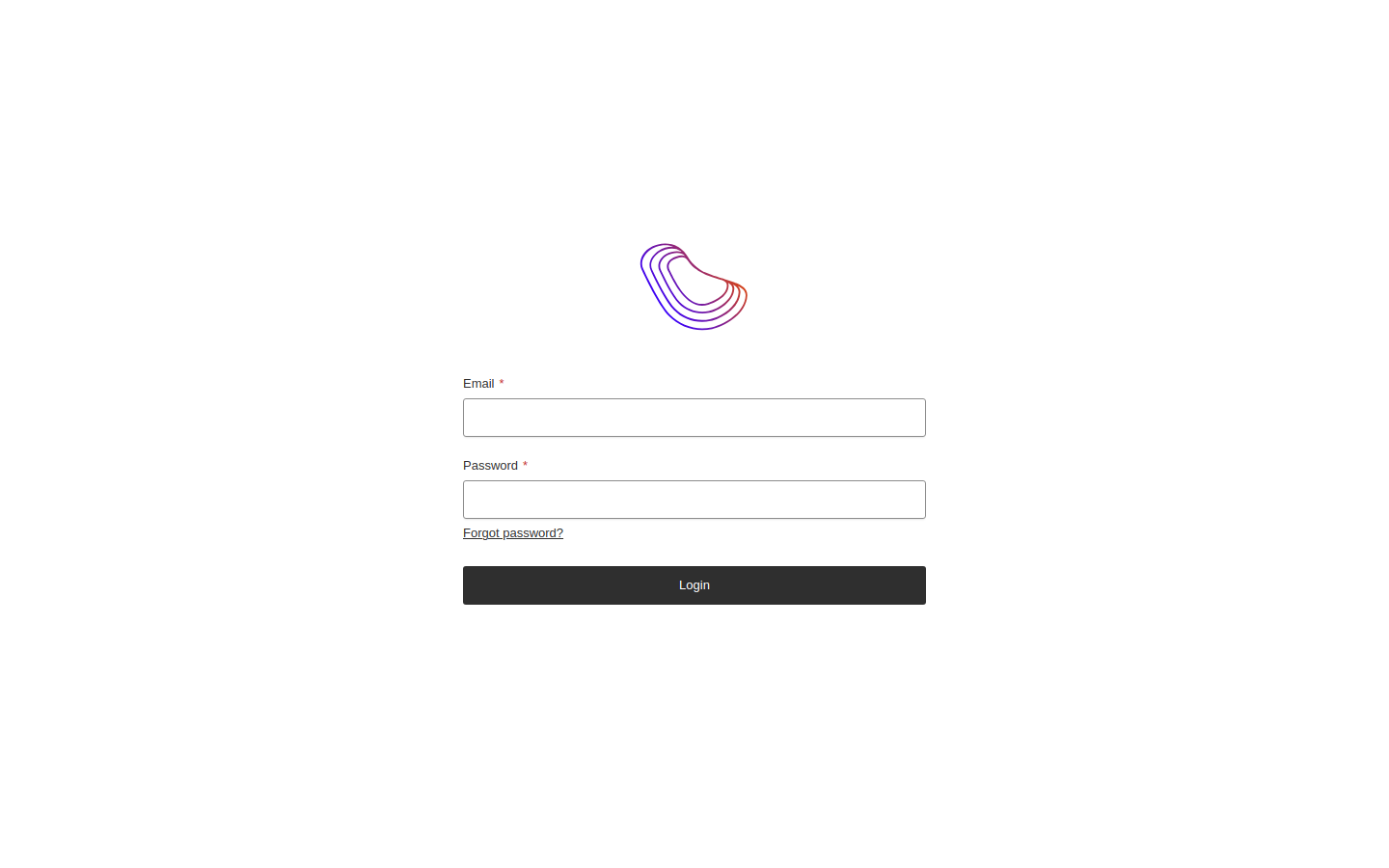
Signing in
The admin’s login page shows the project’s logo, or a default until one is set.
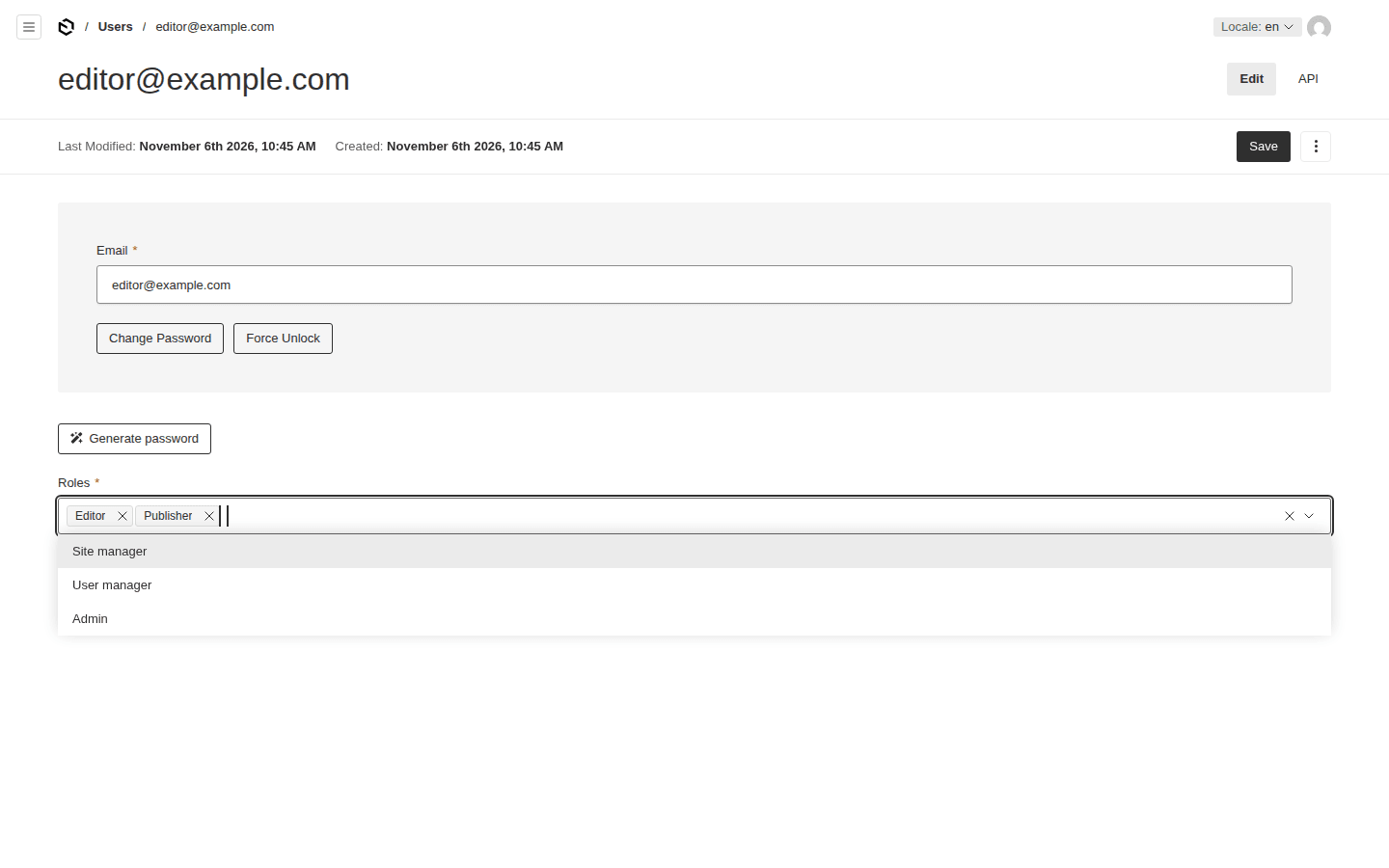
Roles on a user
A user can hold several roles. User managers and admins choose them here, and what the person may do is everything the roles allow together.
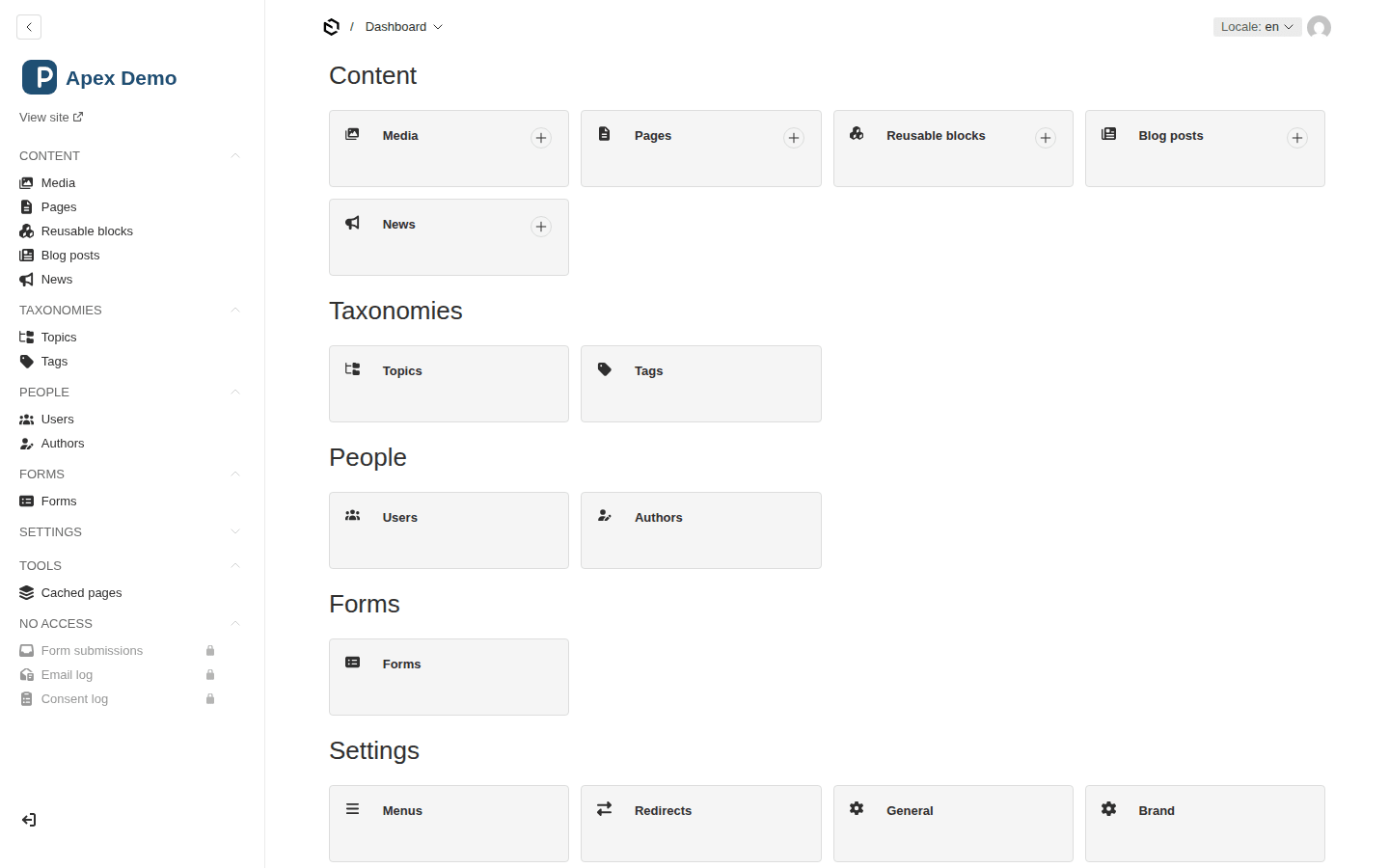
What a role can’t use
An editor’s menu. The sections the editor can’t use aren’t hidden: they sit under No access, with a lock, so the editor knows to ask an administrator.
One block, every feature page
This strip is a reusable block: written once and placed at the end of every feature page. Edit it under Reusable blocks and all of them change.