
Why
Until now anyone signed in could open Users and read every account, emails and roles included, in the admin and through the API. An editor has no need for that list, and it is personal data.
What changed
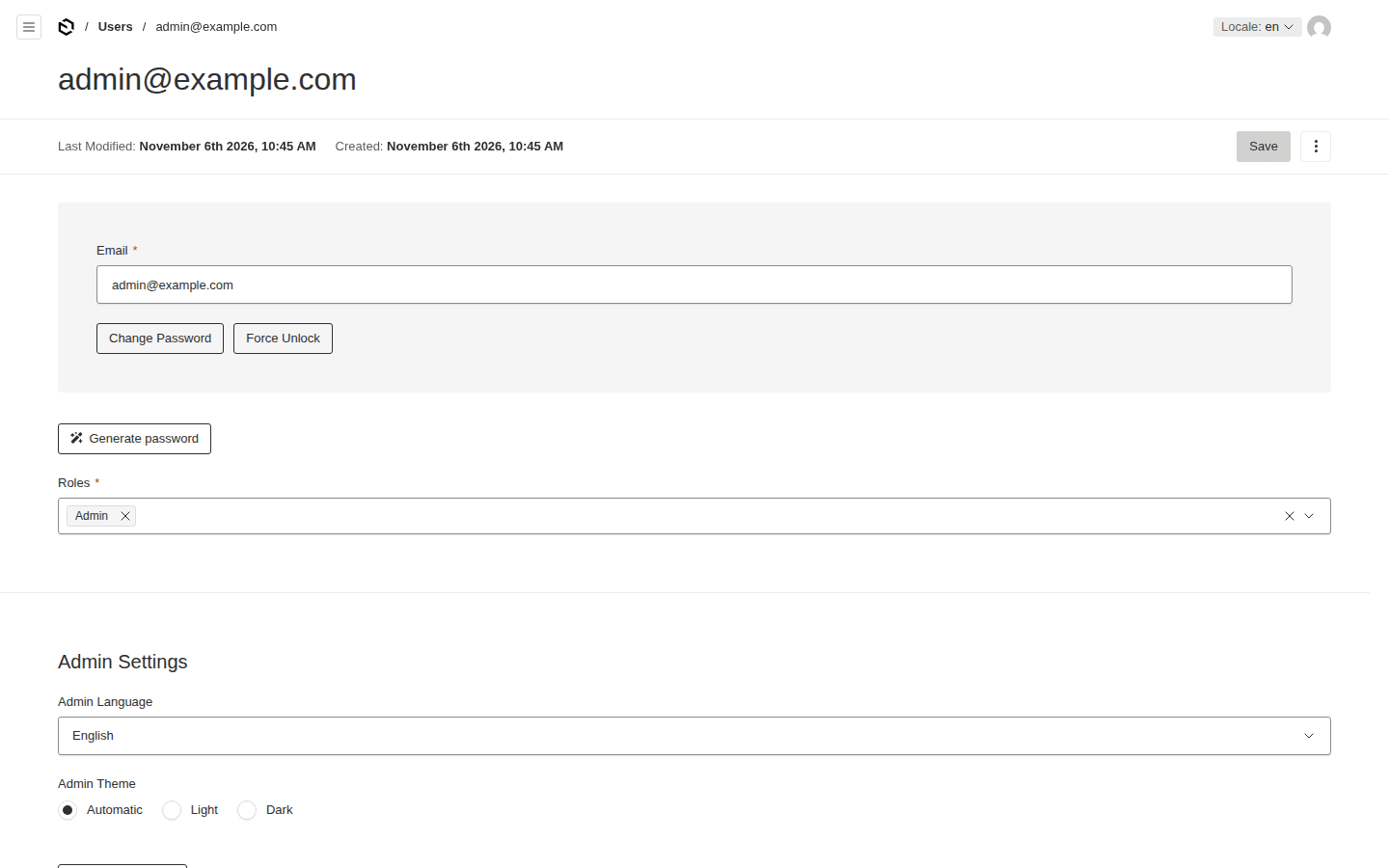
Only admins and user managers read the list of users and other people’s accounts. Everyone else reads only their own, which opens as their Account view, and the Users entry is gone from their menu. Where something points at another account, they see an id instead of the person: the “being edited by” notice of a locked document, or an author’s linked user. Linking an author to an account is therefore done by an admin or a user manager; a site manager still edits the rest of the author.
Where to see it
Sign in as an editor: the menu has no Users entry, and the account menu still opens the Account view with its keys for assistants. Sign in as an admin to see every account. The README’s “Users and roles” section explains it.