
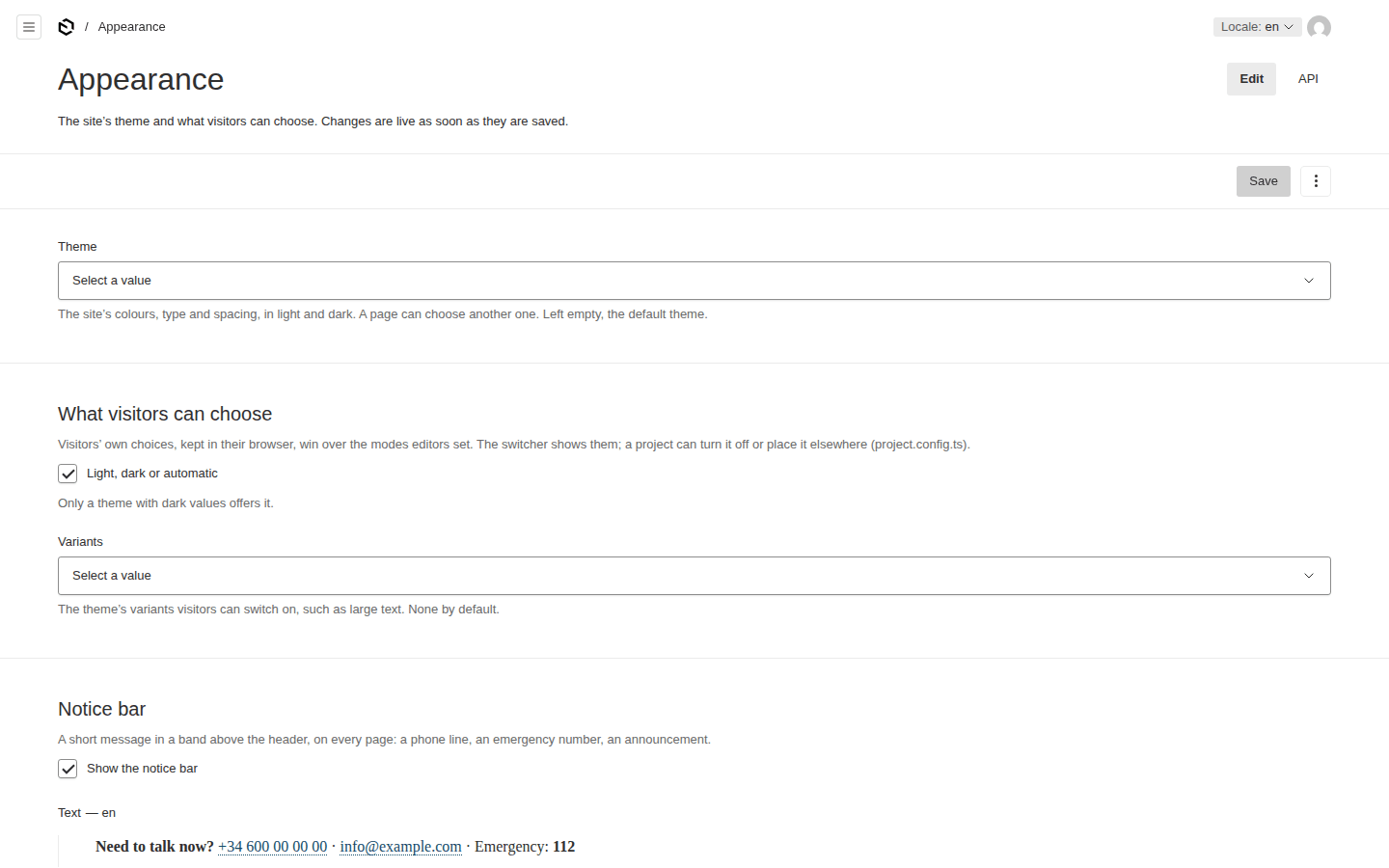
What visitors can choose
Dark mode follows the visitor’s system by default. In Settings → Appearance an editor can let visitors switch between Automatic, Light and Dark with a switcher in the header, and turn on the variants a theme offers, such as larger text or compact spacing.
Their choice stays with them
The choice is kept in the visitor’s own browser. It does not change what anyone else sees, or what the cached pages contain.
Themes, in the demo
Modes, variants and block styles.