
A project’s own theme, in one command
pnpm make:theme writes a theme into the project’s theme package, and creates and connects the package when there is none.
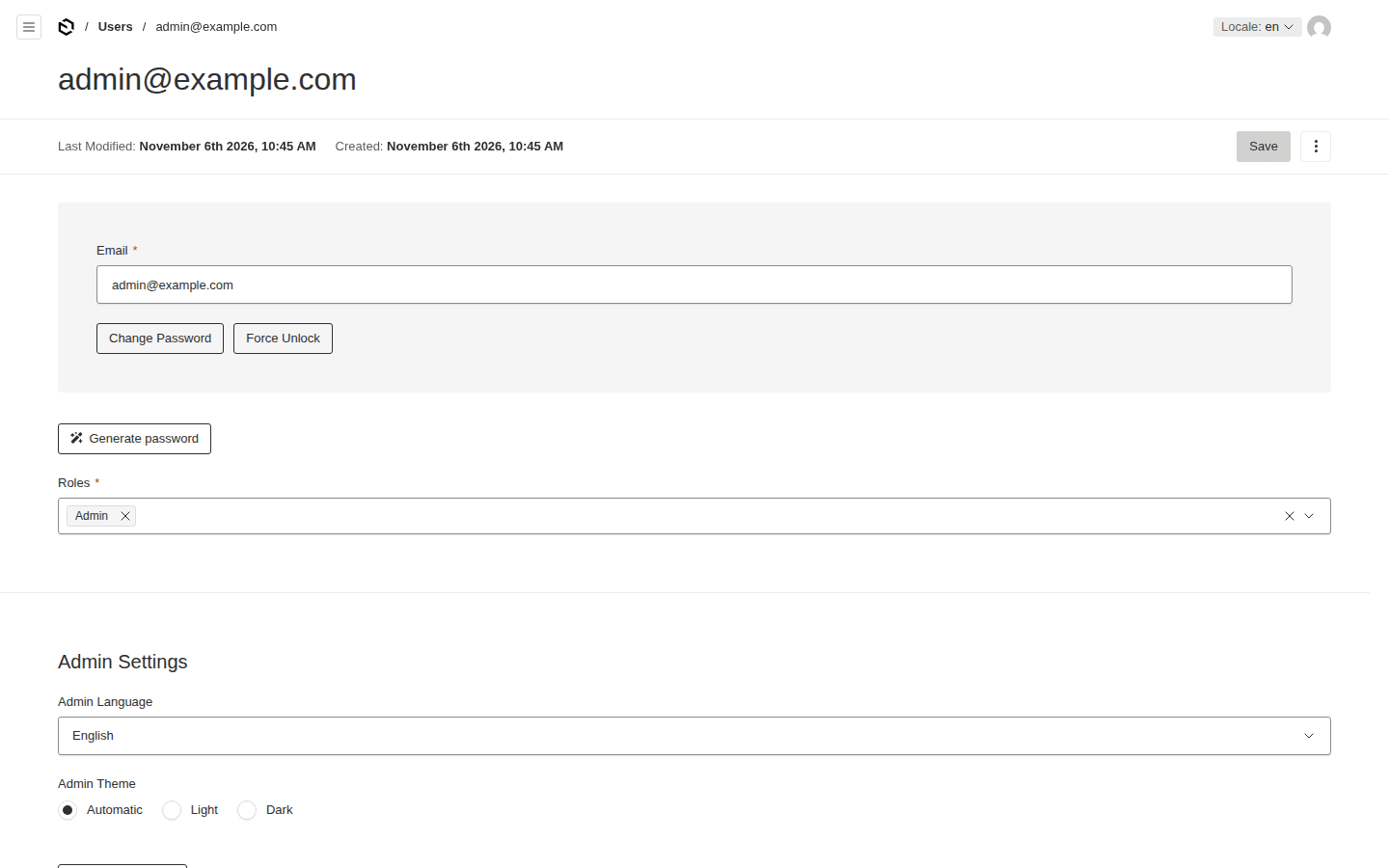
The list of users is for who manages them
Editors, publishers and site managers now see only their own account. Admins and user managers still see everyone.
Upgrading a project, step by step, with a skill
The apex-upgrade skill takes a project to a new template release: it lists what changed, syncs, does the upgrade notes, runs the checks and stops before the commit.

Social profiles: one list for the footer and for search engines
Settings → Social profiles lists the organization’s profiles. Each one can show in the footer as an icon, be declared to search engines, or both.

Editors write the footer’s copyright line
Settings → General has a copyright line per language. {year} in it becomes the current year; left empty, the footer keeps “© year site name”.
A project shapes its post pages
A project can now replace the header of its posts, add a banner before or after a post’s content, and give the headings in a post’s text their own font.
A project approves its own client JavaScript
Approved client JavaScript and the audit’s known exceptions of a project now go in html/project/audit-allowlist.ts, which updates leave alone.
Blocks with dates, related content and links
pnpm make:block now writes date, relationship and link fields, and --force generates a block again after a change.
A project’s own block, in one command
pnpm make:block writes a block into the project’s block package, and creates and connects the package when there is none.
A link field that follows the page it links to
pnpm make:collection now takes link fields: a page, a post or a document chosen with the admin’s search, or a typed URL.

A Payload site, ready to clone