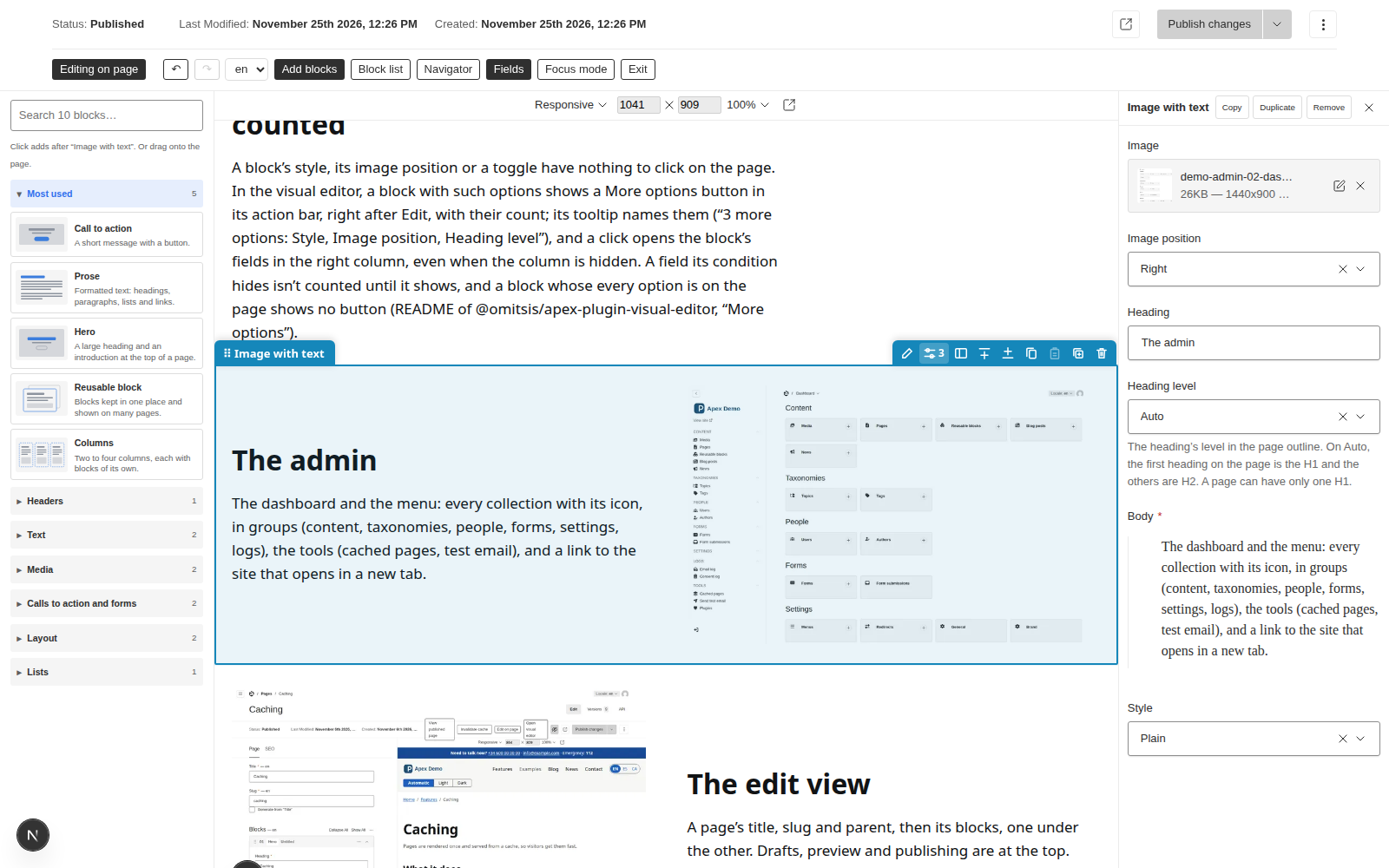
The visual editor shows a block’s options that aren’t on the page
A block’s action bar now says how many of its options have nothing to click on the page, names them, and opens them in one click.

A FAQ block: questions that open, with no JavaScript
A new block lists questions that open to show their answers. Each answer is a list of blocks, and the browser does the opening.
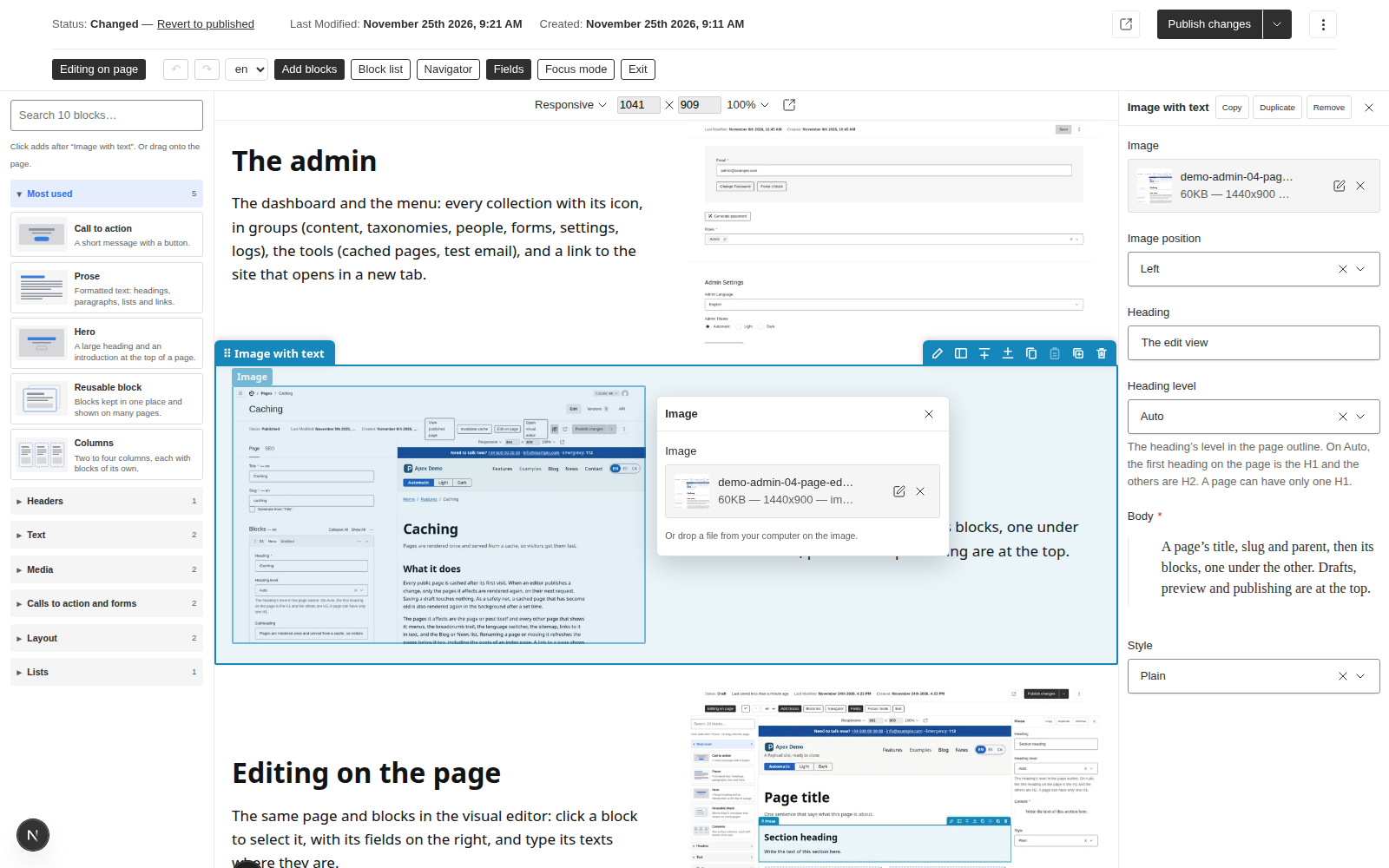
Change a block’s image right on the page
In the visual editor, click an image to choose another, upload one, edit it or remove it, or drop a file from your computer on it.

Form fields can appear only when another answer calls for them
A field can be shown only if another field has a value, such as a company when the topic is a project. It is required only while shown, and the server drops it when hidden.

Forms can send their submissions to n8n, a CRM or any HTTPS endpoint
Webhooks on a form post each submission as JSON or form fields, renamed and with fixed values, after it is stored; each call’s outcome shows on the submission.
Form emails can depend on the visitor’s answer
Each email of a form can be sent only if a field has a value: one contact form sends press questions to press, support questions to support.
The admin says which template-site version the site runs
No more shell to find out which version a site has: the admin shows it at the bottom of its menu and on the Plugins page.
Images in a text get a caption and an alt text of their own
An image in a Prose block or a post’s text can have a caption under it, which floats with it, and an alt text written for that text.
The production build works again
Since 1.15.0 a site’s production build stopped on a part of the server code that didn’t parse. 1.16.1 fixes it.
Images in a text get a size and an alignment
An image in a Prose block or a post’s text can be small, medium or full width, and sit to the left or the right with the text around it, or in the centre.

A Payload site, ready to clone